

Parents choosing childcare are careful, and they usually start on Google. They search for daycare near home or work, then look at photos, reviews, hours and costs. Childcare SEO helps you show up in those searches and helps parents feel safe choosing you.
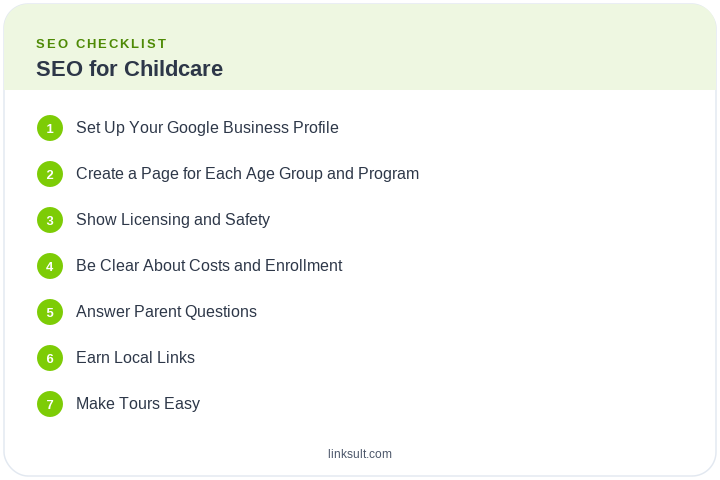
1. Set Up Your Google Business Profile
- Choose Child care agency, Day care center or Preschool as your primary category.
- Add your hours, the ages you serve and photos of rooms and outdoor spaces, without showing children’s faces unless parents agree.
- Add a link to book a tour.
- Reply to every review.
2. Create a Page for Each Age Group and Program
Infant care, toddler rooms, preschool, before and after school care and summer camp are different searches. Give each its own page with ages, the daily routine, ratios and what children learn.
3. Show Licensing and Safety
- Your state license number and what it means.
- Staff background checks, training and CPR or first aid certification.
- Health, safety and pick-up policies.
- How you keep parents updated during the day.
4. Be Clear About Costs and Enrollment
Parents want to know costs, waitlists and how enrollment works. Share tuition ranges if you can, list what is included and mention any help with costs you accept, such as state childcare assistance.
5. Answer Parent Questions
Write simple guides on things parents ask: how to choose a daycare, what to pack on the first day, how to help a child settle in. These pages help parents trust you before they visit.
6. Earn Local Links
- Partner with local pediatricians, parent groups and schools.
- Get listed on your state’s childcare search site and local parent directories.
- Take part in community events for families.
7. Make Tours Easy
Offer online tour booking, reply quickly and follow up after the visit. A tour is often the moment parents decide.
Common Childcare SEO Mistakes
- No license information.
- No photos of rooms or outdoor areas.
- One page for all ages.
- Nothing about costs or enrollment.
- Slow replies to tour requests.
Childcare SEO Keyword Map
Most childcare providers get found through a handful of search types. Map each one to a specific page so every search lands somewhere useful. Replace [city] with the places you serve.
| What they need | Example searches | Page to build |
|---|---|---|
| Find care | daycare near me · infant care [city] · preschool near me | A program page for each age group |
| Checking quality | licensed daycare [city] · daycare reviews | About, licensing and reviews pages |
| Cost | daycare cost [city] · childcare assistance [state] | Tuition and enrollment page |
| Questions | how to choose a daycare · what to pack for daycare | Simple parent guides |
What a Top-Ranking Childcare Page Includes
Use this blueprint when you build or rewrite your most important pages:
- Ages served and the daily routine
- Staff-to-child ratios and teacher qualifications
- License number and safety policies
- Photos of rooms and outdoor space
- Tuition, enrollment steps and waitlist information
- Tour booking
- ChildCare schema
Your 90-Day Childcare SEO Plan
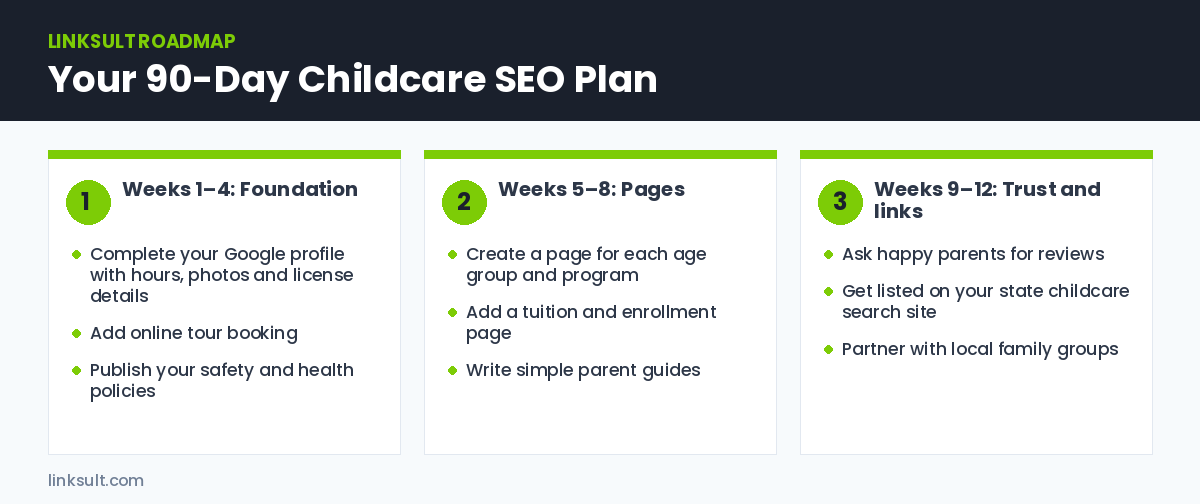
Weeks 1–4: Foundation
- Complete your Google profile with hours, photos and license details
- Add online tour booking
- Publish your safety and health policies
Weeks 5–8: Pages
- Create a page for each age group and program
- Add a tuition and enrollment page
- Write simple parent guides
Weeks 9–12: Trust and links
- Ask happy parents for reviews
- Get listed on your state childcare search site
- Partner with local family groups
Conclusion
Childcare SEO is about helping parents feel safe. Show your license, staff and safety steps, explain your costs and programs clearly and make tours easy to book.
How Linksult Can Help Childcare Services
If you want expert help putting this guide into action, our local SEO services cover everything above, from research and fixes to content, links and clear monthly reporting.
Want every new lead answered in minutes? Our marketing automation services follow up by text, email and WhatsApp automatically, so fewer leads slip away.
Explore more strategies in our SEO guide by industry, or request a free SEO quote for a plan built around your business.
Let Linksult handle your Family SEO
Let Linksult optimize your online presence to attract more family clients

